
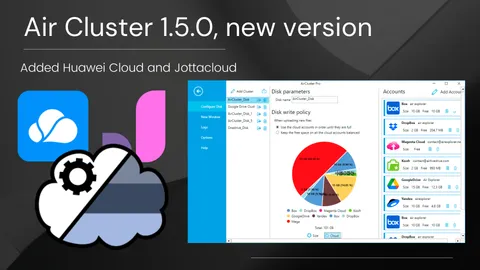
Air Cluster 1.5.0, new version
List og changes:-Added Huawei Cloud.-Added Jottacloud.-Added folder names encryption support.-Added saving the encryption password.-Fixed, some mega uploads...
Read more →List og changes:-Added Huawei Cloud.-Added Jottacloud.-Added folder names encryption support.-Added saving the encryption password.-Fixed, some mega uploads...
Read more →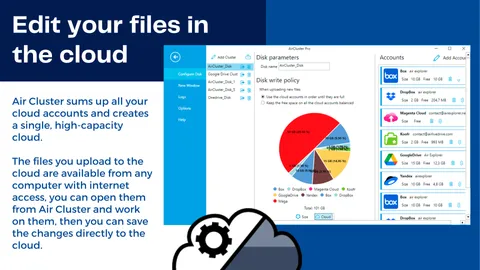
Air Cluster sums up all your cloud accounts and creates a single, high-capacity cloud. The files you upload to the cloud are available from any computer with internet access, you can open them from Air Cluster and work on them, then you can save the changes directly to the cloud.
Read more →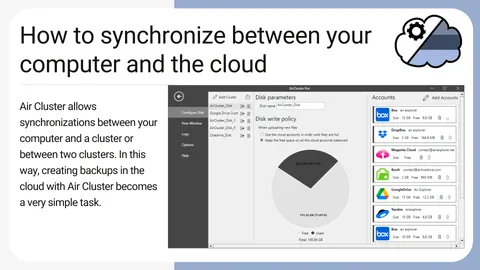
Air Cluster is a software that allows you to add up your cloud accounts and create a large capacity cloud. In addition, the software also allows synchronizations between your computer and a cluster or between two clusters.
Read more →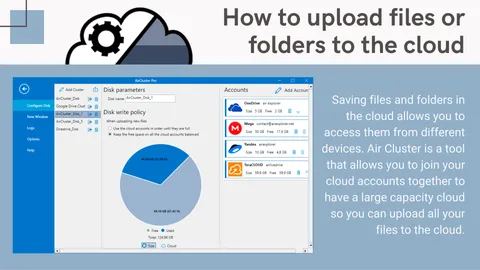
Saving files and folders in the cloud allows you to access them from different devices. Air Cluster is a tool that allows you to join your cloud accounts together to have a large capacity cloud so you can upload all your files to the cloud.
Read more →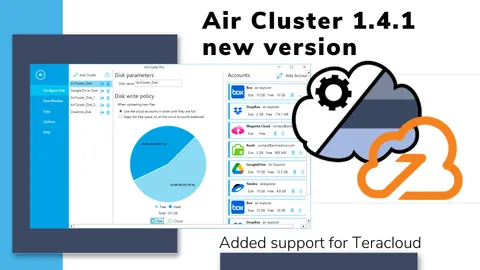
List of changes:-Fixed OneDrive for business.-Added Teracloud.-Minor user interface changes.-Updated Chinese Traditional translation (thanks to Hulen).
Read more →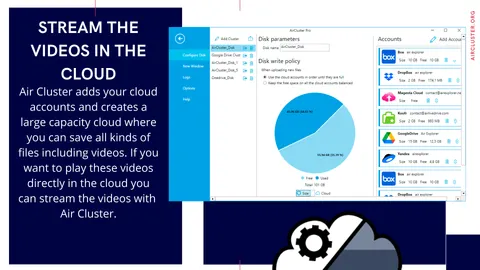
Air Cluster adds your cloud accounts and creates a large capacity cloud where you can save all kinds of files including videos. If you want to play these videos directly in the cloud you can stream the videos with Air Cluster. The software plays the video with the player you have installed on your computer without having to download the video first.
Read more →