

How to Upload Files to the Cloud Without Slowing Down Your Connection
Learn how to limit upload speed in Air Cluster and adjust simultaneous transfers so you can save files to the cloud while you keep working.
Read more →Learn how to limit upload speed in Air Cluster and adjust simultaneous transfers so you can save files to the cloud while you keep working.
Read more →
Create a cluster from multiple PikPak accounts in Air Cluster, understand how files are placed, and always find them again.
Read more →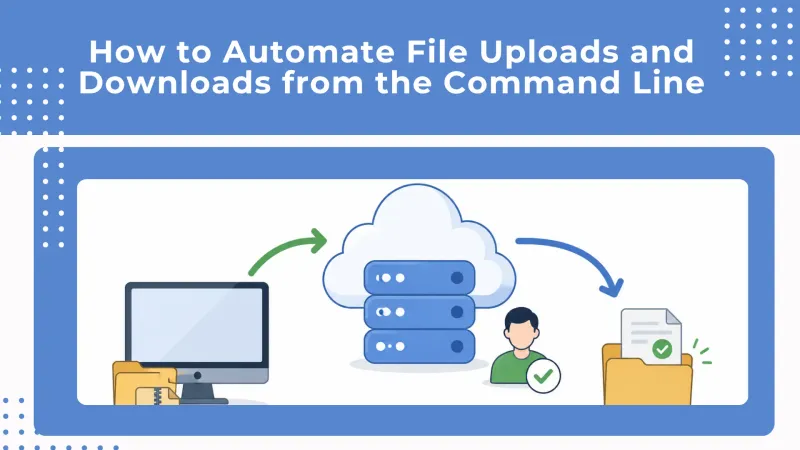
Learn how to upload and download files with the Air Cluster command line using reusable scripts.
Read more →
Cleaning Up Before You Back Up: Air Cloud Analyzer Meets Air Cluster
Read more →
How to Schedule Backups Across Multiple Cloud Accounts with Air Cluster
Read more →
Sum Your Clouds and Cut Subscriptions: How to Turn Free Cloud Accounts Into One Bigger Storage Space with Air Cluster
Read more →