Category: manual

Protect your clouds by adding a password to start Air Cluster

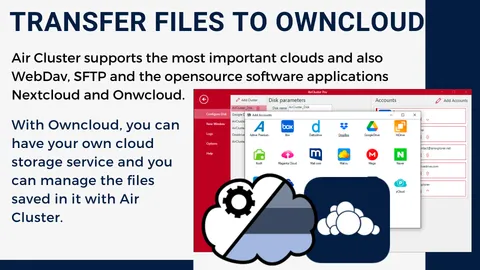
Air Cluster allows you to create clusters where you can sum as many clouds as you want. When you create a cluster, you can add as many cloud accounts as you want. For example, you can make a cluster with all the Mega or Onedrive accounts you have. Or, you can mix cloud accounts and …

Sum up your Google Drive and OneDrive accounts

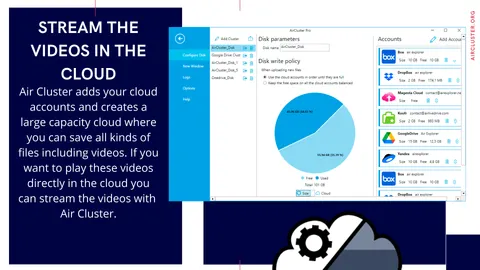
If you are looking to join your cloud accounts you can use Air Cluster and create a large capacity cloud to store all your documents. By having your files stored in the cloud you will be able to access your data from anywhere and with any device. Air Cluster allows you to add the accounts …

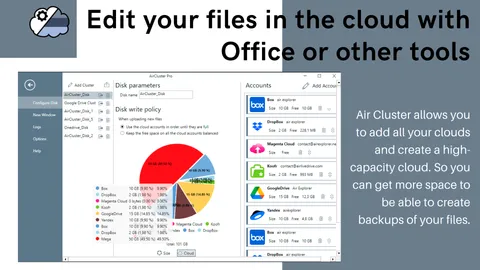
Edit your files in the cloud

Air Cluster sums up all your cloud accounts and creates a single, high-capacity cloud. The files you upload to the cloud are available from any computer with internet access, you can open them from Air Cluster and work on them, then you can save the changes directly to the cloud. In order to start working …

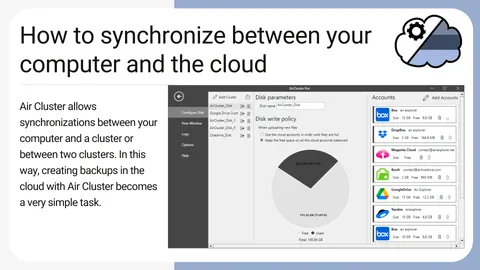
How to synchronize between your computer and the cloud

Air Cluster is a software that allows you to add up your cloud accounts and create a large capacity cloud. In order to manage your files in the cloud, Air Cluster has a simple interface with which you can create folders, copy & paste files, rename, etc. The software also allows synchronizations between your computer …

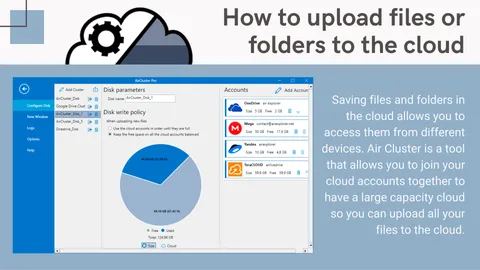
How to upload files or folders to the cloud

Saving files and folders in the cloud allows you to access them from different devices. Air Cluster is a tool that allows you to join your cloud accounts together to have a large capacity cloud so you can upload all your files to the cloud. The Air Cluster interface makes it easy to manage your …