
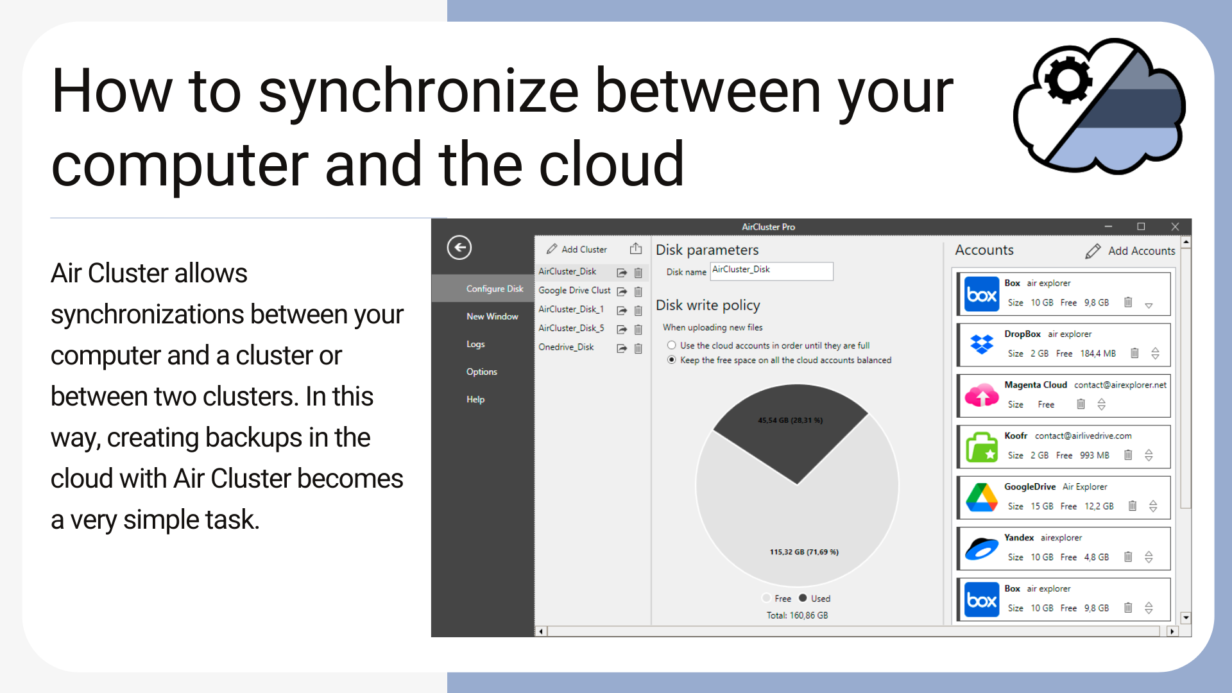
Air Cluster is a software that allows you to add up your cloud accounts and create a large capacity cloud. In order to manage your files in the cloud, Air Cluster has a simple interface with which you can create folders, copy & paste files, rename, etc. The software also allows synchronizations between your computer …
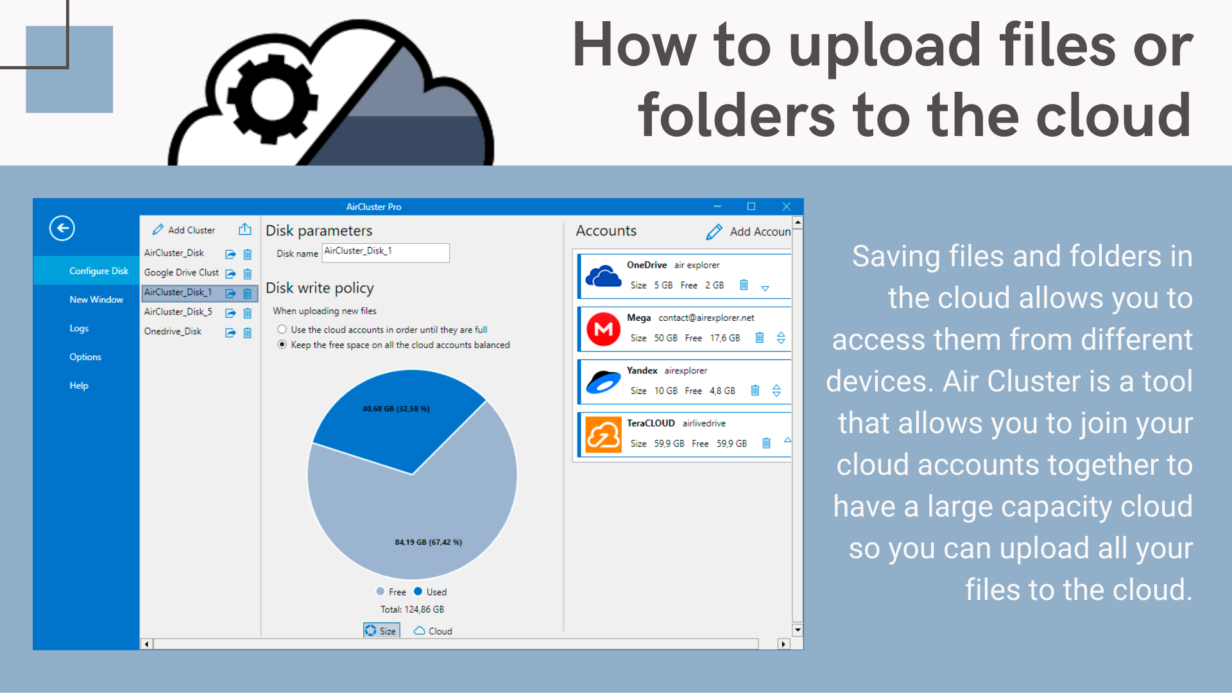
Saving files and folders in the cloud allows you to access them from different devices. Air Cluster is a tool that allows you to join your cloud accounts together to have a large capacity cloud so you can upload all your files to the cloud. The Air Cluster interface makes it easy to manage your …
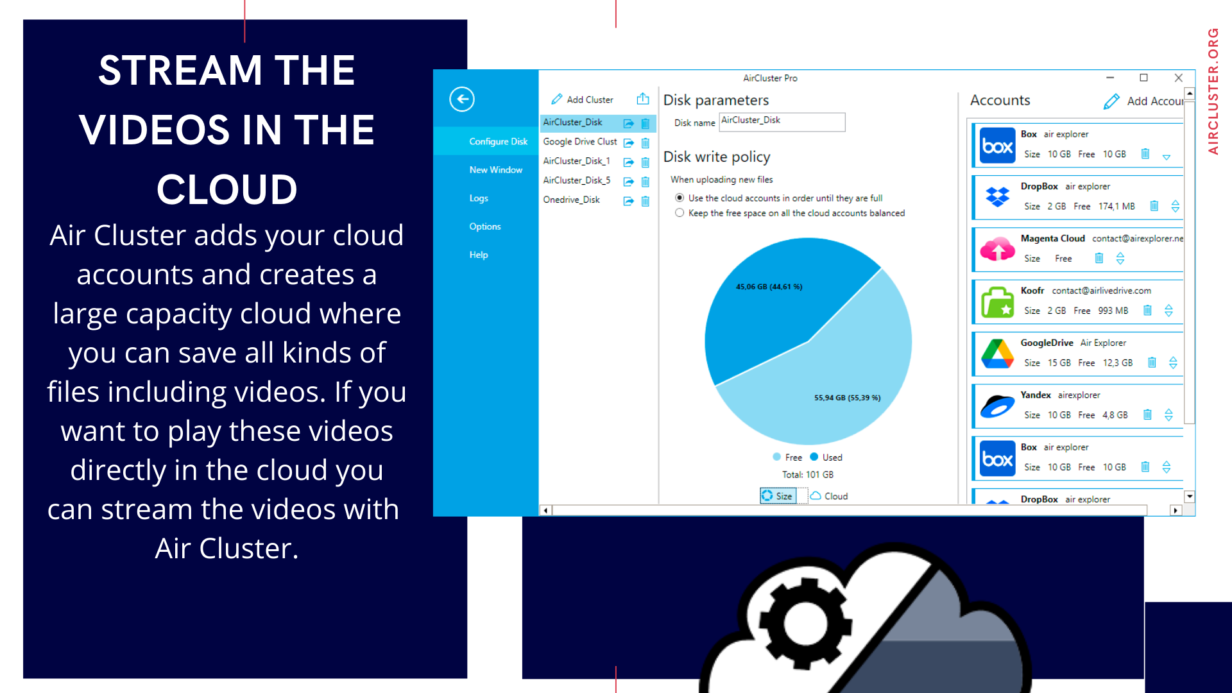
Air Cluster adds your cloud accounts and creates a large capacity cloud where you can save all kinds of files including videos. If you want to play these videos directly in the cloud you can stream the videos with Air Cluster. The software plays the video with the player you have installed on your computer …
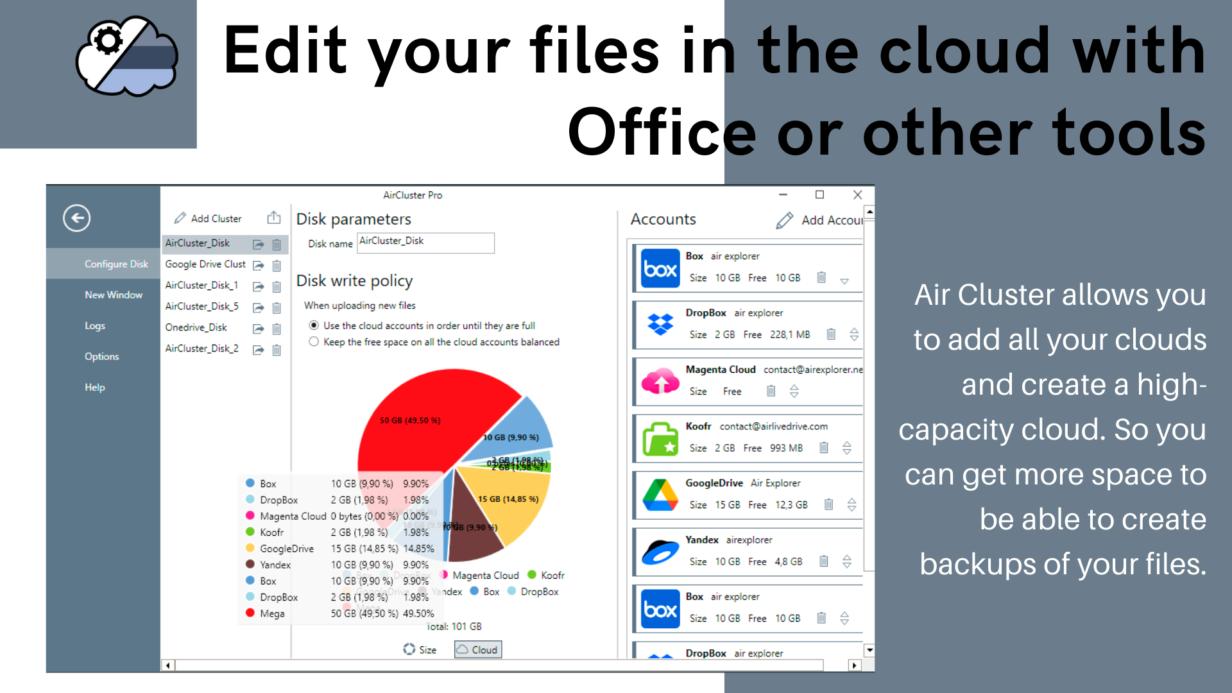
Air Cluster allows you to add all your clouds and create a high-capacity cloud. So you can get more space to be able to create backups of your files. In Air Cluster to get more space, you can add accounts of all the most important servers and you can add several accounts of each one. …
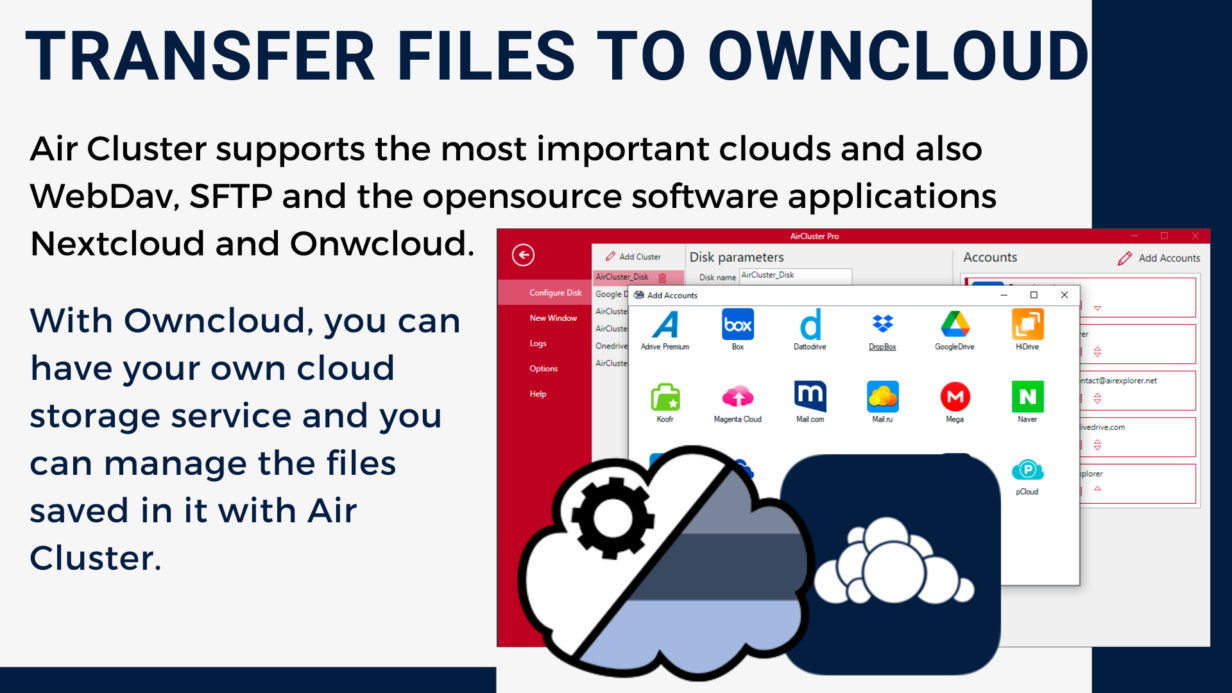
Air Cluster supports the most important clouds and also WebDav, SFTP and the opensource software applications Nextcloud and Onwcloud. With Owncloud, you can have your own cloud storage service and you can manage the files saved in it with Air Cluster. You can add your Owncloud account in Air Cluster and work with it or, …

Download Air Cluster and add all your clouds and create a single cloud.